
I have forgotten my password. How can I login?
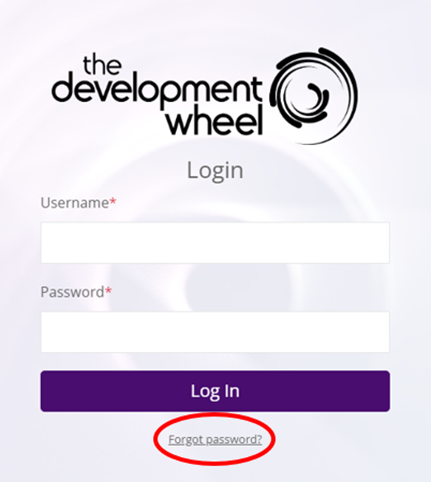
1. Click the Forgot Password? Option.
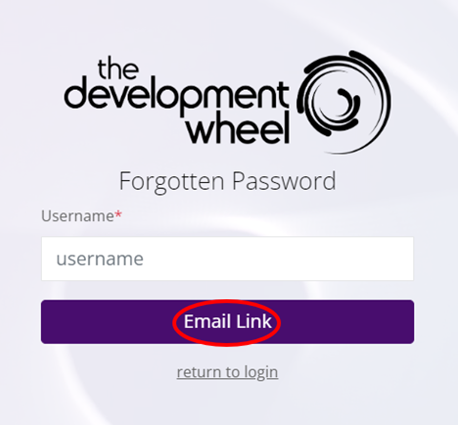
2. Enter your username into the username box (this is usually not your email address) and click Email Link.
3. An email will be sent to the address assigned to your username (please check your junk folder as the email might have ended up there)
4. Click the link in the email to access your new password.
5. Return to the login using your username and new password.
6. When you log back into your account, you can change your password to a more memorable one in My Settings on the left-hand sidebar.
Alternatively, the Admin user in your organisation can reset the password on your behalf.
Articles in this folder -
You may like to read -